Managing one construction project requires constant coordination. Managing several projects at the same time can become considerably more complicated. Project directors, developers and contractors may have teams working across different cities or even different countries. Each project has its own schedule, site conditions, stakeholders and reporting requirements. A centralized construction monitoring dashboard can help bring these projects together and give teams a clearer view of what is happening across their portfolio.
The Challenge of Managing Multiple Sites
When each project uses a separate monitoring system, keeping track of information can become difficult. Users may have to log into different platforms, search through separate camera feeds and collect updates from individual project teams. This takes time and can make it harder for senior stakeholders to get a quick overview of their projects. A centralized system provides one place where authorized users can access information from multiple construction sites.
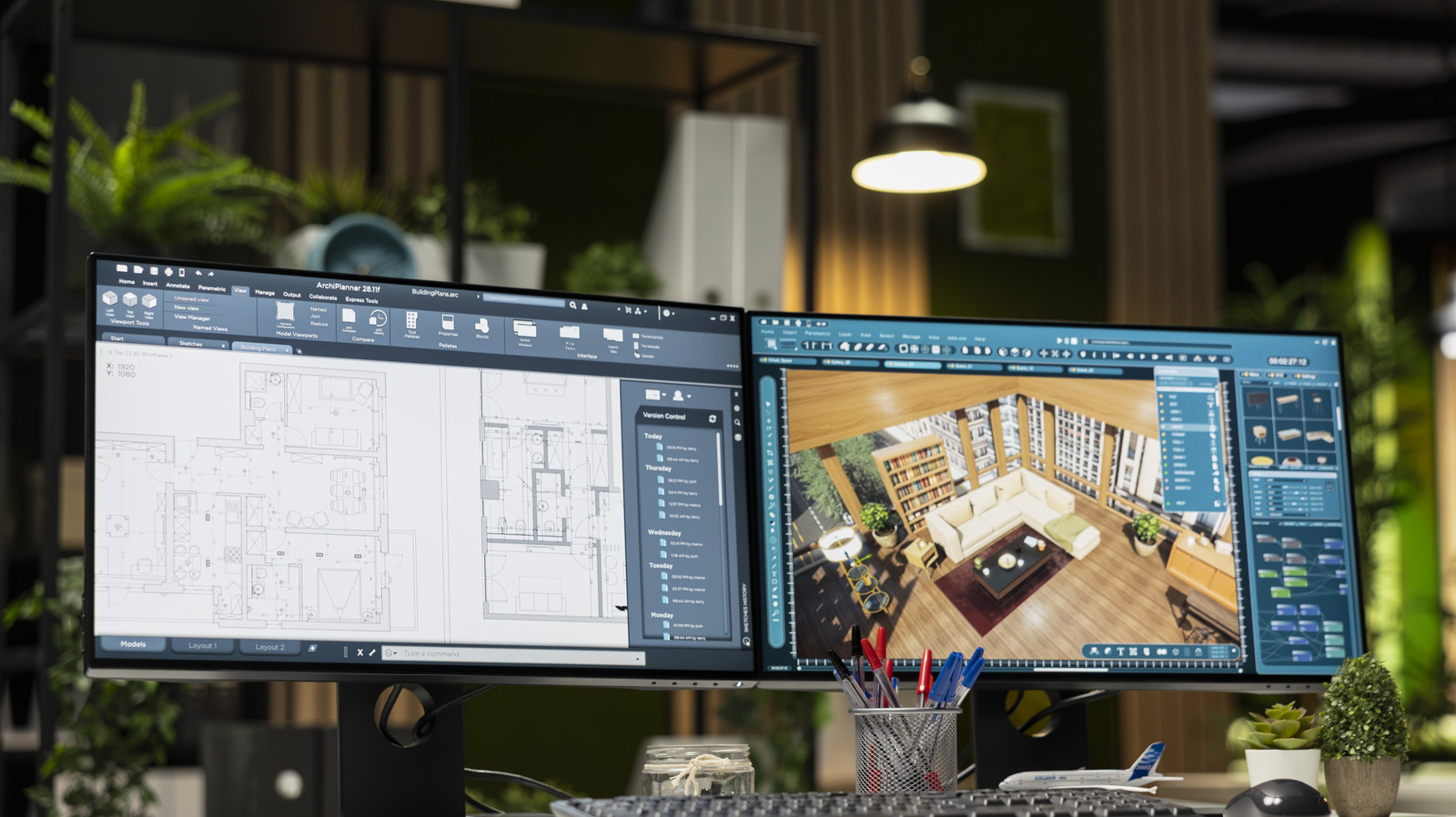
A multi-site construction dashboard allows organizations to organize their projects within a single environment. Instead of checking each site separately, users can see their projects together and then open an individual site when they need more detail. For companies managing multiple developments, infrastructure projects or construction programs, this can make remote project oversight much more practical. A project director can get a high-level view, while a project manager can move into a specific project or camera when detailed information is required.
Physical site visits remain an important part of construction management. However, travelling to every project frequently is not always practical. Remote construction monitoring allows stakeholders to review current and historical site imagery from wherever they are. This can help teams prepare for meetings, check progress between visits and decide whether a particular issue requires physical attention. Instead of travelling simply to find out what is happening, teams can review available information first and make more informed decisions about where their time is needed.
Visual monitoring can also help organizations compare project progress. Current camera views show what is happening now, while time-lapse imagery provides a historical record. Teams can use these records when reviewing milestones, project development and changes over time. The purpose is not to replace formal project schedules or reports. Visual information simply provides another source of evidence that can make progress discussions easier.
Different people need different types of information. A property owner may only want an overall view of progress. A project manager may need access to individual cameras, while consultants may require historical images for documentation. User permissions can help organizations provide appropriate access to different stakeholders while maintaining control over project information.
Construction monitoring becomes more valuable when it is connected to the way teams already work. Instead of treating cameras as a standalone system, organizations can bring visual information closer to their project management and reporting workflows. ProgressCenter™ supports this approach by providing a centralized environment for construction visibility and project monitoring. This can help teams spend less time collecting information manually and more time reviewing what that information means.
Can one dashboard monitor multiple construction sites?
Yes. A centralized construction monitoring platform can organize camera feeds and visual information from multiple projects in one environment.
Why monitor multiple construction sites remotely?
Remote monitoring reduces the need for unnecessary travel and allows stakeholders to review project conditions between physical site visits.
Can construction progress be compared across projects?
Visual records can help teams compare project development, milestones and site conditions, alongside formal project reporting.
Who can use a construction monitoring dashboard?
Owners, developers, contractors, consultants, project managers and other authorized stakeholders can use a dashboard depending on their access permissions.